Themes
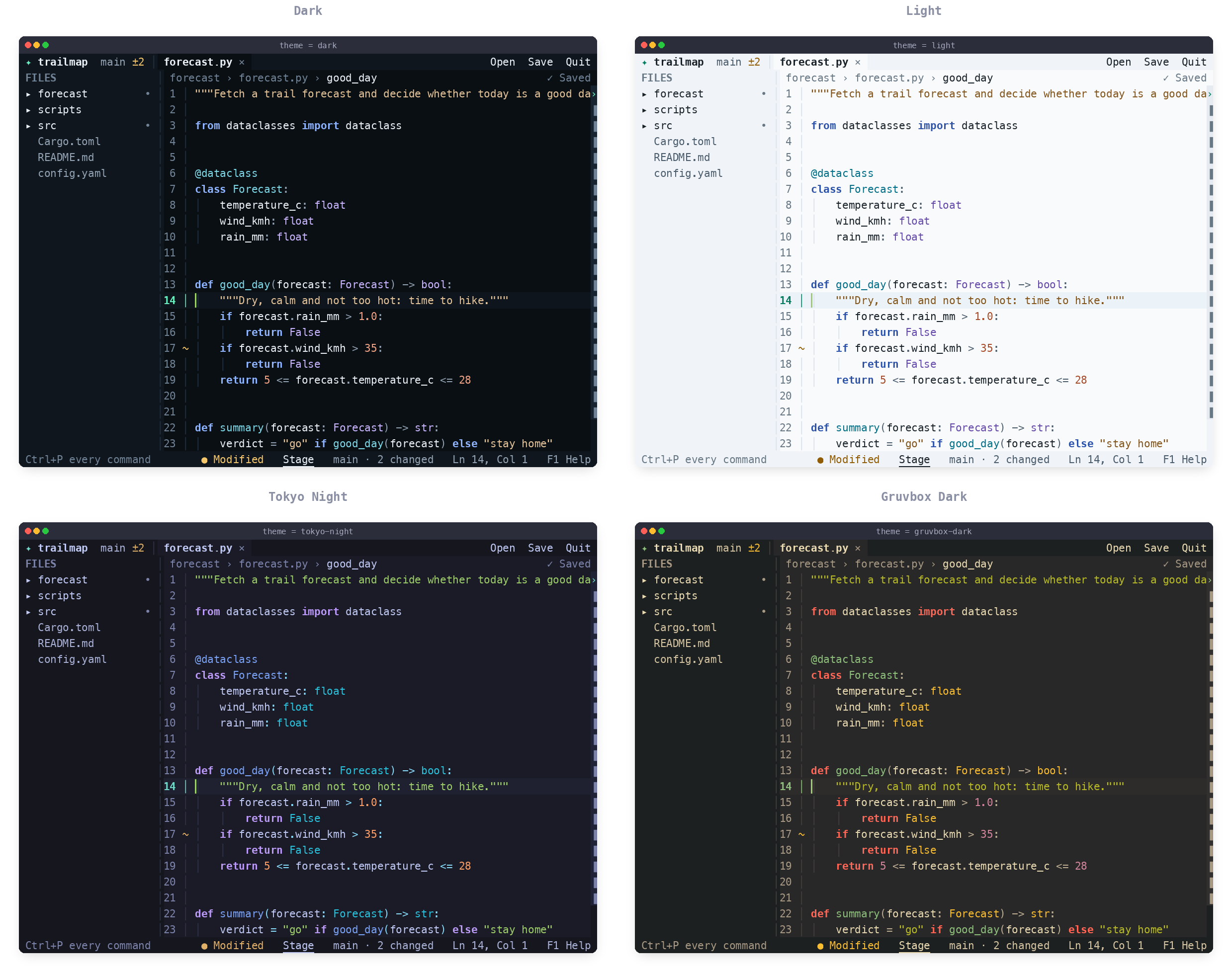
Mellow has six themes:
| Theme | Name in settings |
|---|---|
| Dark (default) | dark |
| Light | light |
| High Contrast | high-contrast |
| Tokyo Night | tokyo-night |
| Catppuccin Mocha | catppuccin-mocha |
| Gruvbox Dark | gruvbox-dark |
Change it any of these ways:
- Settings: press
Ctrl+Pand choose "Open settings". - Cycle theme in the command palette steps through them.
-
Settings file: add a line to
~/.config/mellow/settings.conf:theme = tokyo-night
The theme applies to every project. Every theme is checked for readable contrast, and Mellow falls back to 256 or basic colours in terminals without true colour.